Cash Receipt Format Free Sample Excel Download
A cash receipt format is a simple document you issue when you receive money from a customer or any other party. It works as proof of payment and helps you record collections, avoid disputes, and match entries with your cash book. For most small businesses, a cash receipt template Excel file is the easiest way to make receipts quickly and keep records organised.
Cash Receipt FormatDownload Cash Receipt Format in Excel
Download the free cash receipt format in Excel. Customise it as per your requirements at no cost.
Cash Receipt Format
Cash Receipt Format
What is a cash receipt format and when should you use it?
A cash receipt is issued whenever you collect money through cash, UPI, or any instant payment mode and you need a written record of the payment. It is typically used for customer payments against an invoice, advance payments taken before delivery, part payments received for an order, and service payments collected at the counter. A cash receipt helps avoid confusion because it clearly mentions who paid, how much was received, and the exact purpose of the payment.
Cash receipt template: fields you should include
A clean cash receipt template should include these details:
- Receipt number
- Date
- Received from name
- Mobile number or reference (optional)
- Amount received in numbers
- Amount in words
- Payment mode (cash, UPI, bank transfer, cheque)
- Transaction reference (UTR or cheque number if applicable)
- Purpose (invoice number or order reference)
- Receiver signature or stamp
- Company name and address
Optional but useful:
- Balance due after payment
- Notes or remarks
Quick checklist before you issue a cash receipt
- Use a unique receipt number in a running series (CR 001, CR 002).
- Confirm date and payer name are correct (customer or party).
- Enter amount in numbers and words and ensure both match.
- Mention payment mode clearly (cash, UPI, transfer, cheque).
- Add reference details where applicable (UPI ID, UTR, cheque number).
- Write purpose clearly and link invoice or order number if applicable.
- If it is part payment, mention balance due after this receipt.
- Take signature or stamp and save the receipt copy month wise.
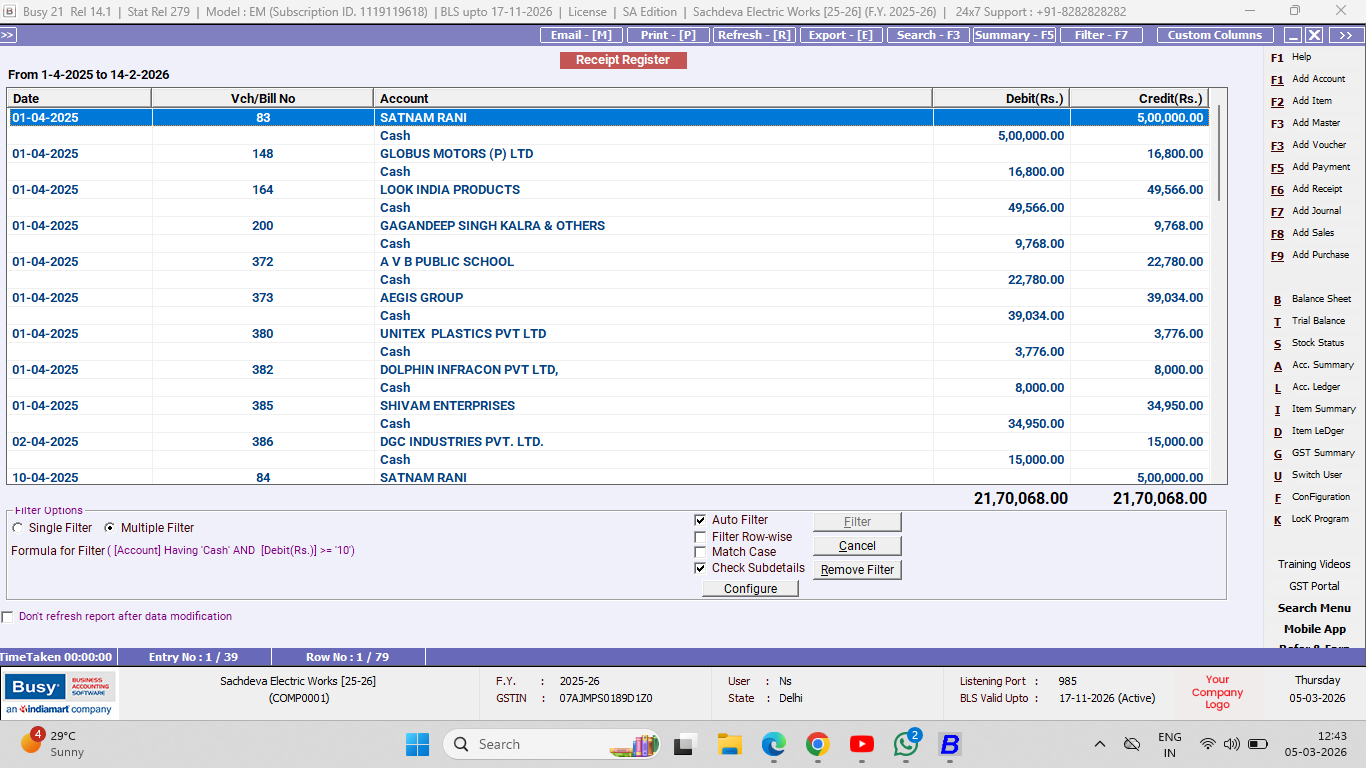
Manage Your Cash Receipt Easily with BUSY Accounting Software
Lightning-Fast Billing with Barcode scanning
Auto E-Way Bill & E-Invoicing
Mobile App
Complete Accounting
Advanced Inventory Management
Auto Payment Reminders
1-Click GST Filing & Reconciliation
24*7 support