Debit Note Format: Free Sample Excel Download
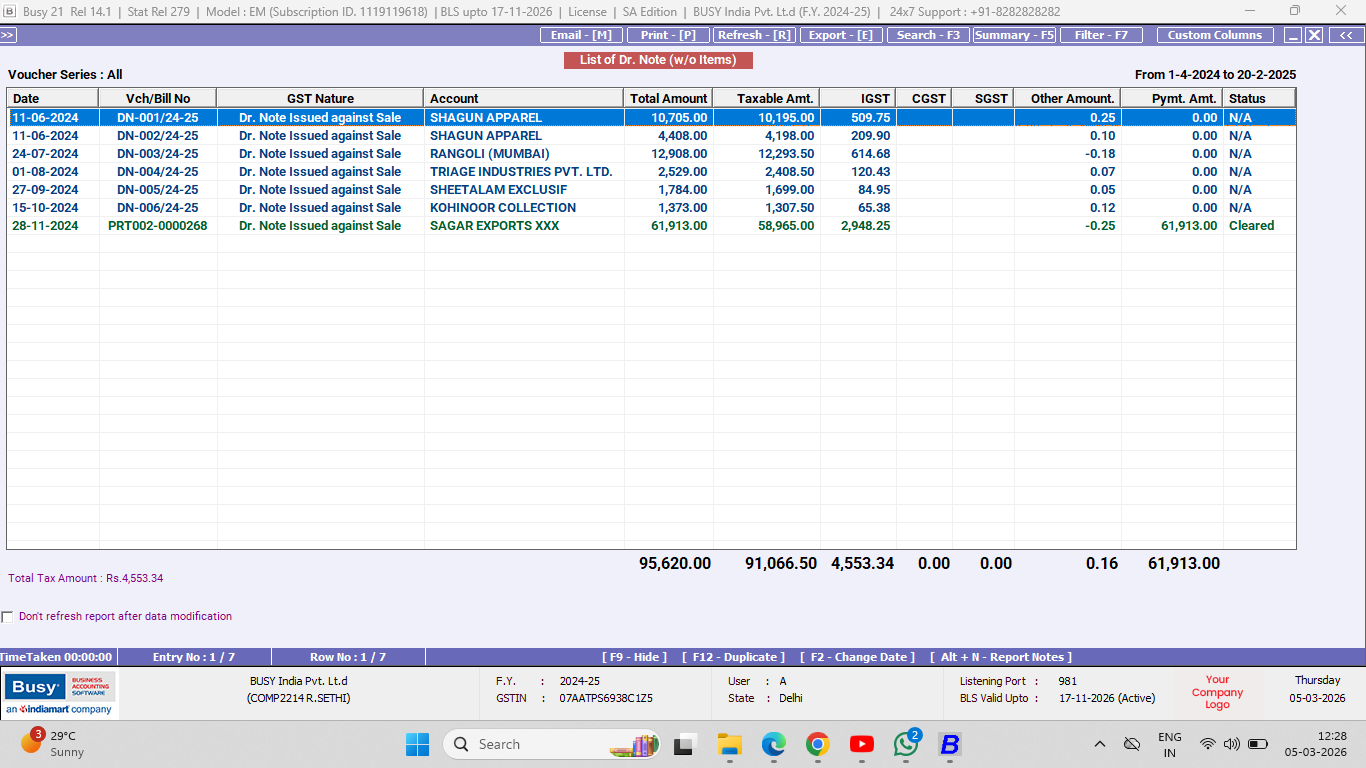
A debit note format is a document used to tell a seller that you are reducing the amount payable or raising a claim. It is commonly issued for purchase returns, rate differences, damaged goods, or short supply. A debit note keeps records clean, avoids payment disputes, and helps both parties settle adjustments faster. Using a debit note format in Excel is one of the easiest ways to create, number, and store debit notes in order.
Debit Note FormatDownload Debit Note Format in Excel
Download the free debit note format in Excel. Customise it as per your requirements at no cost.
Debit Note Format
Debit Note Format
What is a debit note format, and when is it used?
A debit note is usually issued by the buyer to the seller. It clearly communicates, “I am debiting your account because there is an issue or adjustment.”
Common situations include goods returned due to damage or the wrong item, short quantities received, rate differences charged after billing, discounts not applied on the invoice, and service issues or overbilling. It works as written proof for the adjustment, so there is no confusion during payment follow-up.
Debit note template: fields you should include
A good debit note template should be short but complete.
- Debit note number
- Date
- Buyer name and address
- Seller name and address
- Invoice number and invoice date reference
- Reason for debit note
- Item details (quantity, rate, amount)
- Tax details if applicable
- Total debit note value
- Authorised signature and stamp
Optional but useful:
- Transport details for returned goods
- Supporting images or delivery proof reference
- Remarks section
Quick checklist before you issue a debit note
- Mention the correct seller name and linked invoice number with date.
- Write a clear reason with specifics (damage, short supply, rate difference, discount not applied).
- Match item details and quantities with the invoice and delivery record.
- Calculate amounts correctly and keep tax treatment consistent with invoice terms.
- Use a running debit note number series (DN 001, DN 002).
- Attach or reference supporting proof if available and share the debit note with the seller quickly to avoid payment delays.
Manage Your Debit Note Easily with BUSY Accounting Software
Lightning-Fast Billing with Barcode scanning
Auto E-Way Bill & E-Invoicing
Mobile App
Complete Accounting
Advanced Inventory Management
Auto Payment Reminders
1-Click GST Filing & Reconciliation
24*7 support