Payment Foucher Format: Free Sample Excel download
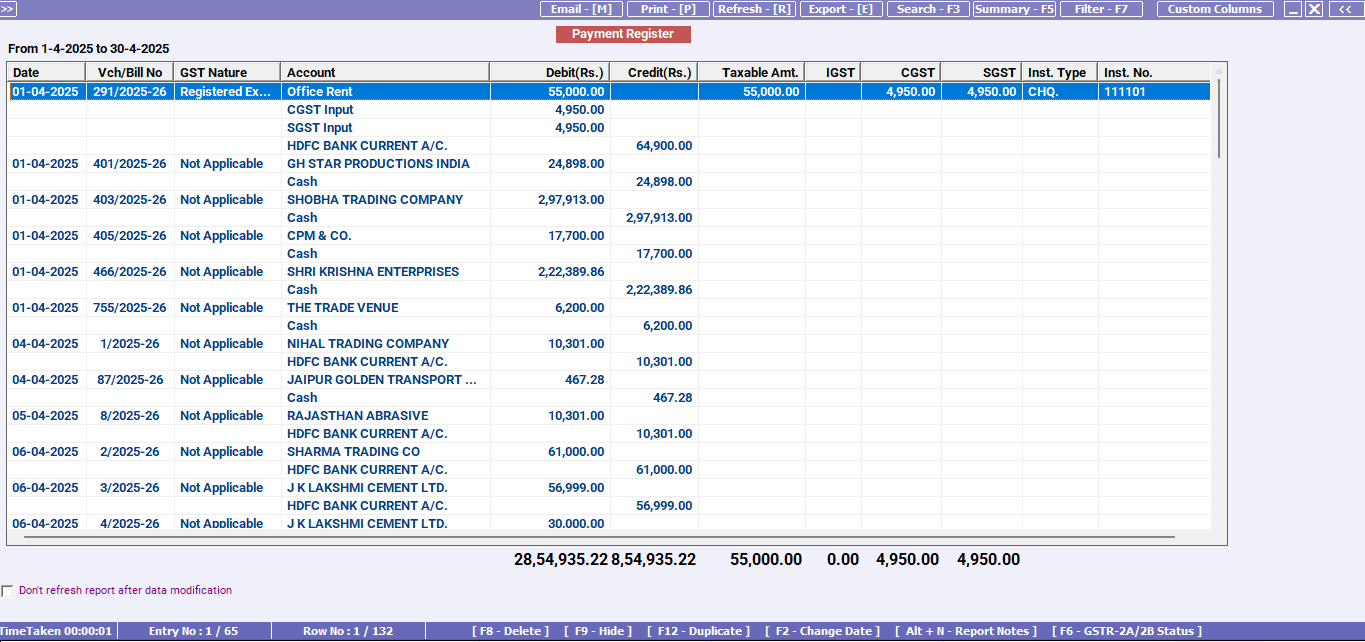
A payment voucher format is a simple document used to record any payment made by your business. It acts as proof for accounting entries, internal approvals, and audit checks. You can use the same format for cash payments, bank transfers, UPI payments, and cheque payments. For most teams, an Excel template is the easiest way to create vouchers quickly while maintaining a clean voucher number series. Many businesses also refer to this as a Payment Slip Format when they want a simple payment proof for filing and verification.
Payment voucher formatDownload Payment Voucher Format in Excel
Download the free payment voucher format in Excel. Customise it as per your requirements at no cost.
Payment voucher format
Payment voucher format
What is a payment voucher format and when is it used?
A payment voucher is prepared whenever money goes out of your business. It is commonly used for vendor payments, rent, salary, and office expenses, advance payments, loan repayments, and utility bills or service charges. It helps you track who was paid, why they were paid, and how the payment was made. If you prefer a shorter wording for record keeping, the same layout can be maintained as a Payment Slip Format with the key payment details and approval.
Payment voucher template: fields you should include
A good payment voucher template should include these below fields:
- Voucher number
- Date
- Paid to name
- Payment purpose or narration
- Payment mode (cash, bank transfer, UPI, cheque)
- Reference number (UTR or cheque number)
- Amount in numbers
- Amount in words
- Debit account and credit account (optional but helpful)
- Prepared by and approved by
- Receiver signature if paid in cash
Optional but useful:
- Invoice number or bill reference
- GSTIN for vendor payments linked to GST invoice
- Supporting attachment note
Payment Slip Format / Voucher Quick Checklist
- Use a unique slip or voucher number in a running series.
- Write a clear purpose and add invoice or bill reference if applicable.
- Mention payment mode and reference number (UTR, UPI, cheque).
- Ensure amount in numbers matches amount in words.
- Attach supporting proof if available.
- Take receiver acknowledgement for cash payments.
- Store payment slips month wise for easy audit and tracking.
Manage Your Payment Voucher Easily with BUSY Accounting Software
Lightning-Fast Billing with Barcode scanning
Auto E-Way Bill & E-Invoicing
Mobile App
Complete Accounting
Advanced Inventory Management
Auto Payment Reminders
1-Click GST Filing & Reconciliation
24*7 support